Projects
What I've built
Two systems in daily use: Acixia, for tennis and padel clubs, and the CRM I use to keep track of my own contacts. Here you can see what they do and try the dashboard demo.
Case study
Acixia: automated customer service and management for tennis and padel clubs
At a club, the staff is out on the courts, at the front desk or teaching. When someone asks about a trial lesson, a membership or booking a court, the reply comes too late, and that person goes to another club.
What I built
- An assistant that answers people who reach out, books trial lessons and follows up with anyone who doesn't write back.
- A management dashboard of its own: the day's calendar by court, bookings, members, rates and payment status, with an account for each employee.
- Daily reminders and follow-ups that go out on their own, without anyone having to remember.
How it works
- Someone messages the club.
- The assistant replies right away, answers their questions and makes the booking.
- The team sees everything in the dashboard and only steps in when needed.
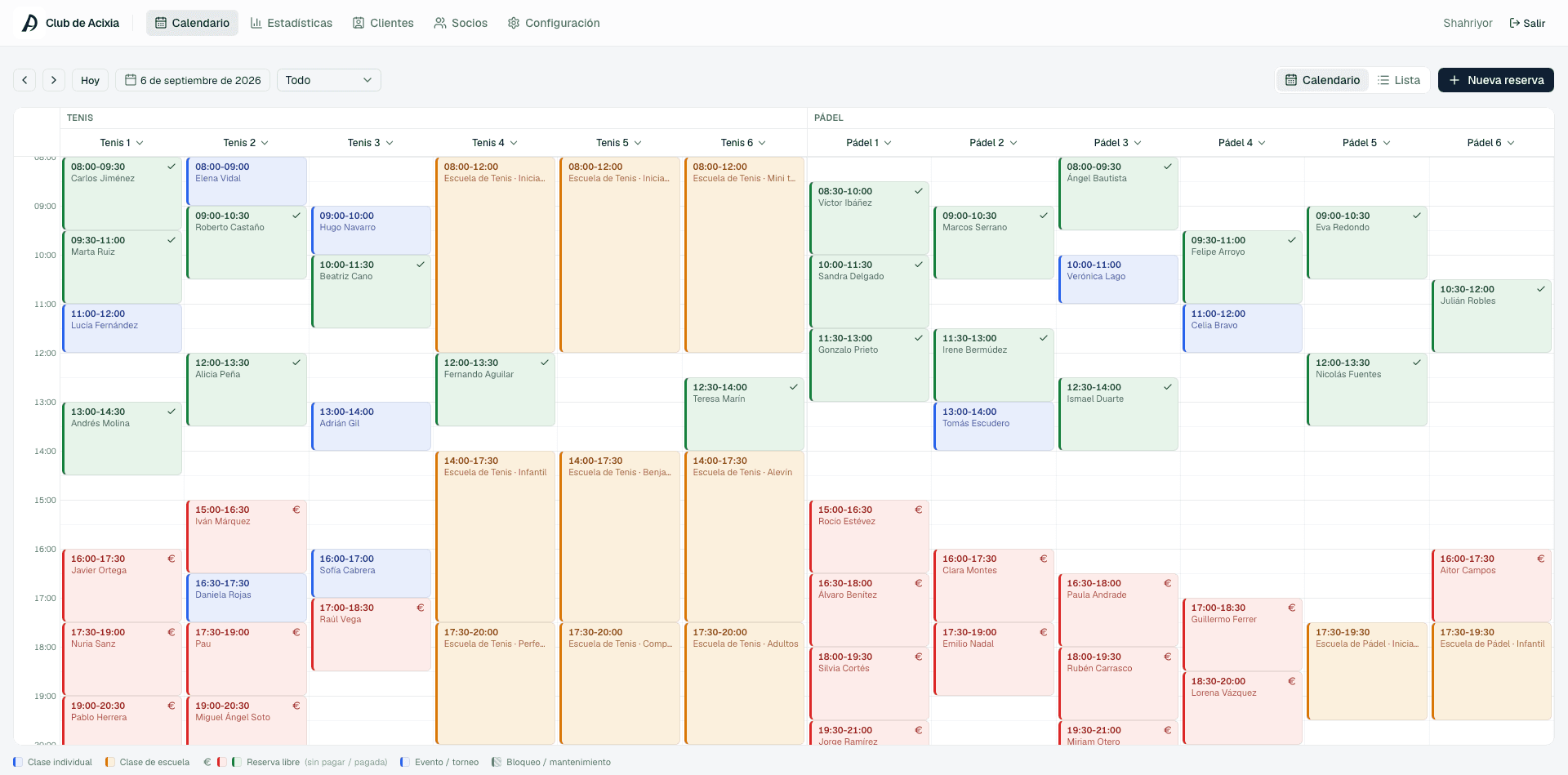
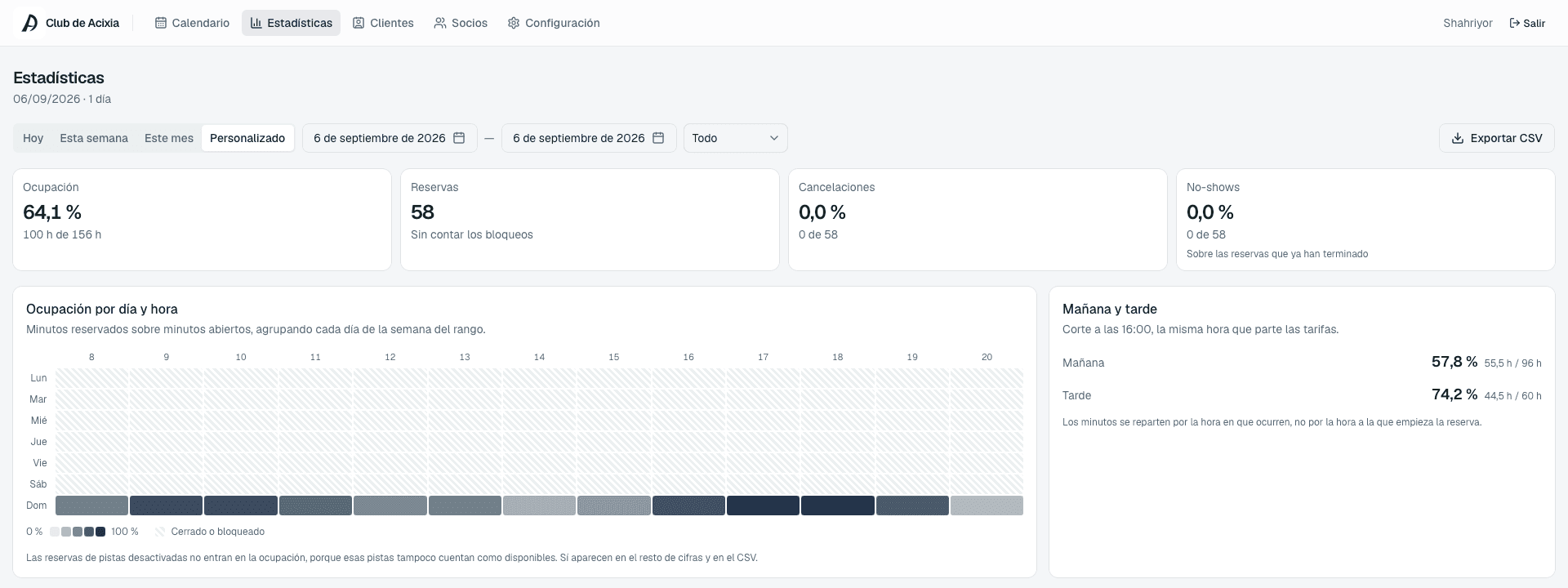
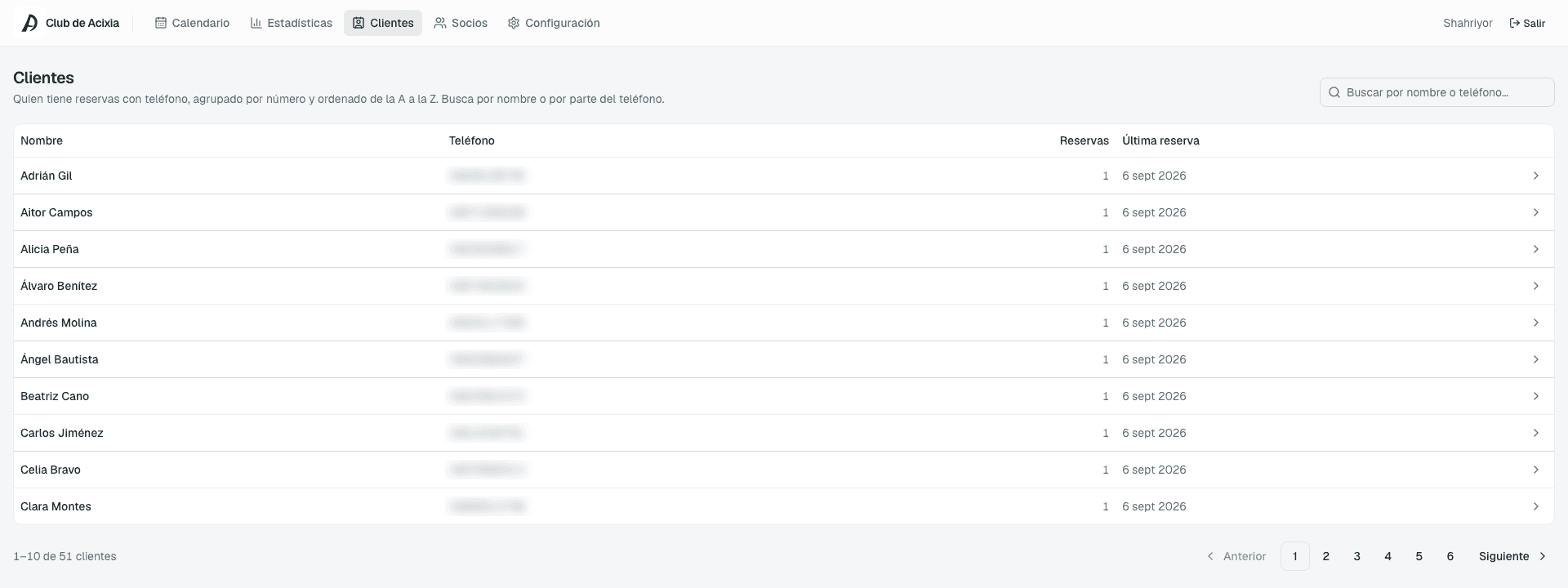
Dashboard screenshots with test data.
A demo you can try
A look inside a custom CRM
It's the dashboard I use to keep track of the businesses I talk to: who to message today, who has replied and where each one stands. I built it around the way I work, just as I would for your team, with your customers and your processes.
What it does
- A Today screen with the calls, overdue follow-ups and reminders that are due.
- A stage-by-stage pipeline to move each contact forward as it progresses, on desktop and on mobile.
- A summary with the funnel, replies by channel and why contacts are lost.
- Connected to Claude, which finds businesses and drafts messages without sending anything on its own.
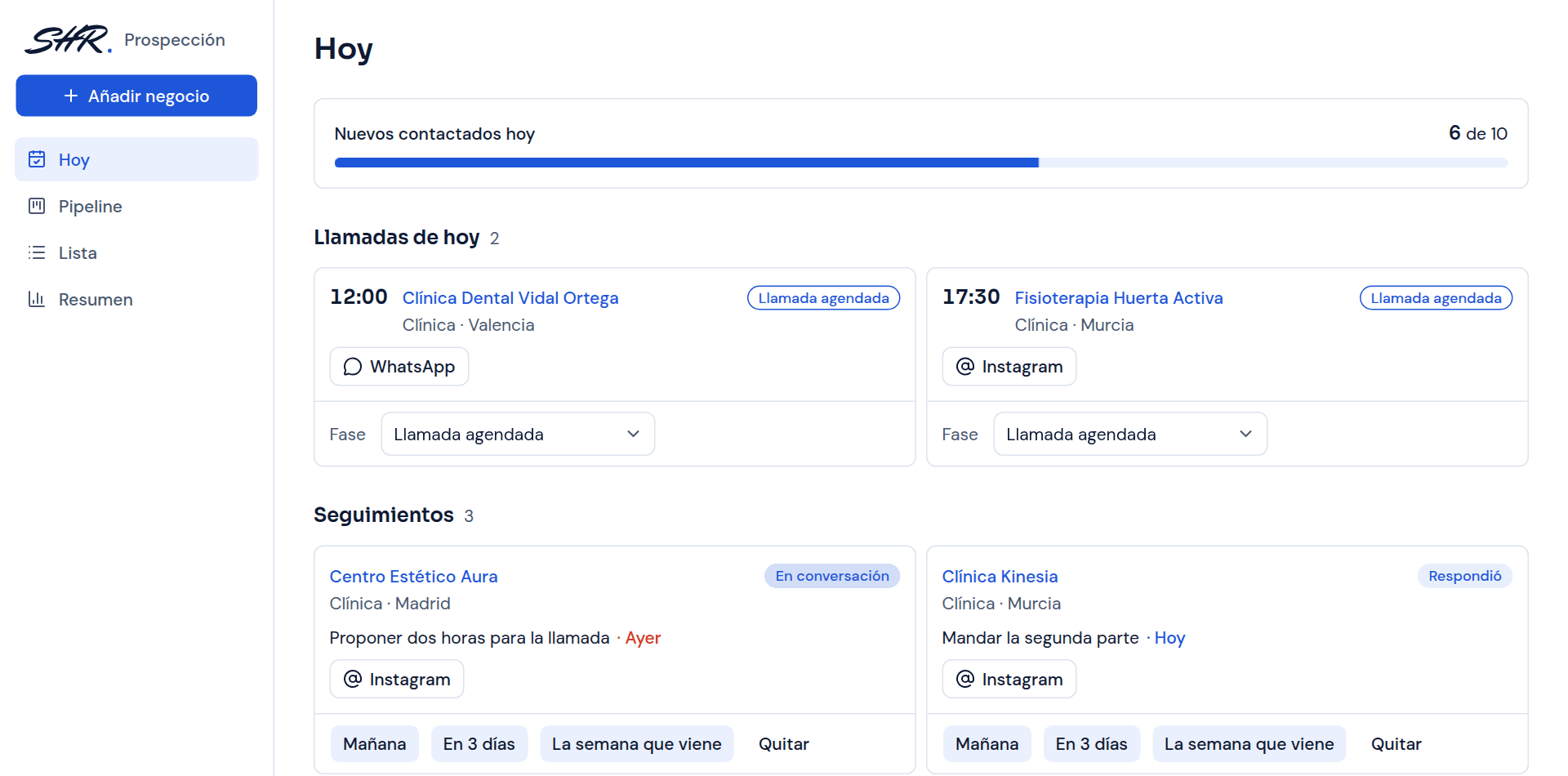
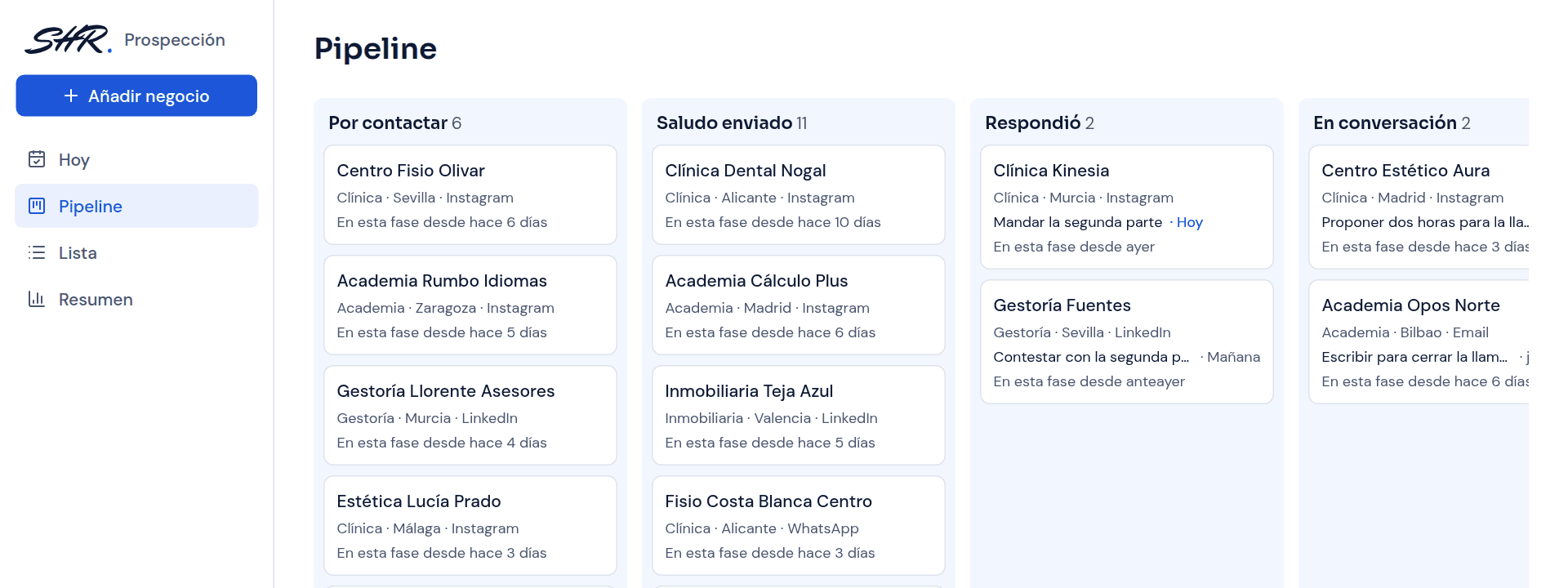
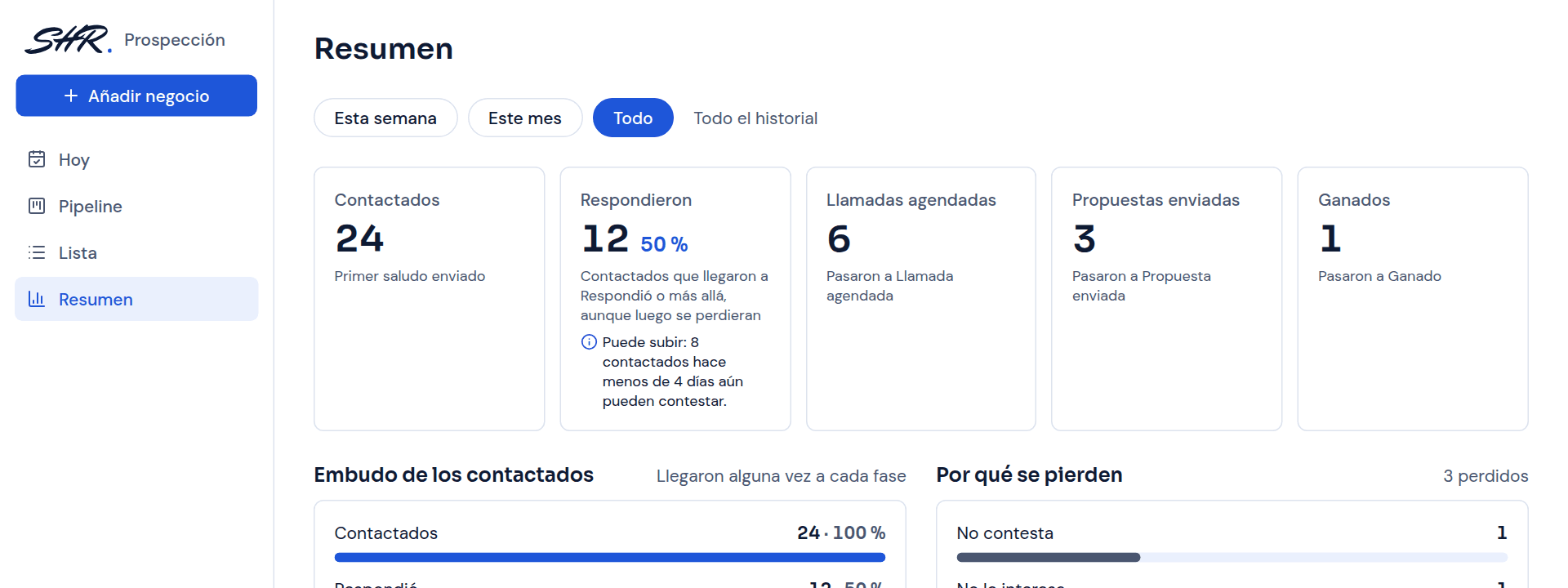
The demo uses made-up businesses. You can open every screen; changes are not saved.
What task would you like to stop doing by hand?
Tell me about it on a 20-minute call. You'll come away with a clear idea of what can be automated, even if we don't end up working together.
Book a callPrefer email? shahriyor@rshahriyor.com